MenuLibre 2.0.3 Released
- Sean Davis
- Release Announcement
- April 13, 2014
Table of Contents
MenuLibre 2.0.3 incorporates important bug fixes while making several usability and under-the-hood improvements. The new release is recommended for all users.
What’s New?
Here’s a brief summary of the changes since the last announcement of MenuLibre 2.0
Bug Fixes
- python-gi API fixes for Debian ( LP: #1271914)
- Better handling of uninstalled items ( LP: #1277747)
General Improvements
- Do not install *.pot files.
- Additional fallback code for detecting the user session
- Save the position of newly added launchers
- Automatically save newly added separator items
- Improved menu cleanup when items are removed
- When saving, guarantee the launcher menus’ categories are included
- Sync visibility with NoDisplay and Hidden properties
Directories
- Improved directory and subdirectory (un)installation
- Disable adding subdirectories to system-installed paths
Usability
- Add new launchers to the directory they are placed on
- Automatically expand directories that new launchers are being added to
- Delete unsaved new launchers and directories
- Disable Add Launcher/Directory/Separator when searching
- Icon Selection dialogs made more keyboard-accessible
- Manual icon selection now has a filter to display only images
Xfce
- Fix adding top-level menu items to the Xfce Applications menu
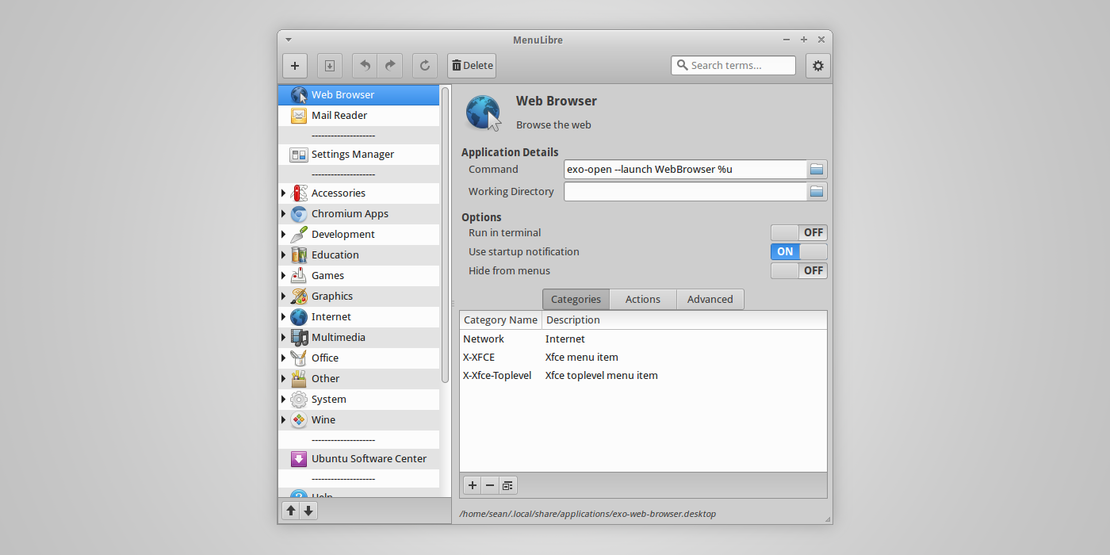
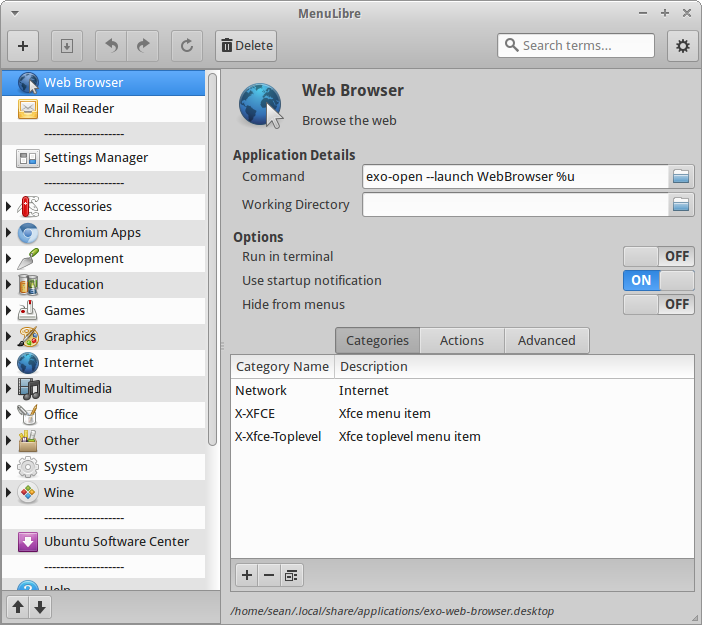
Screenshots
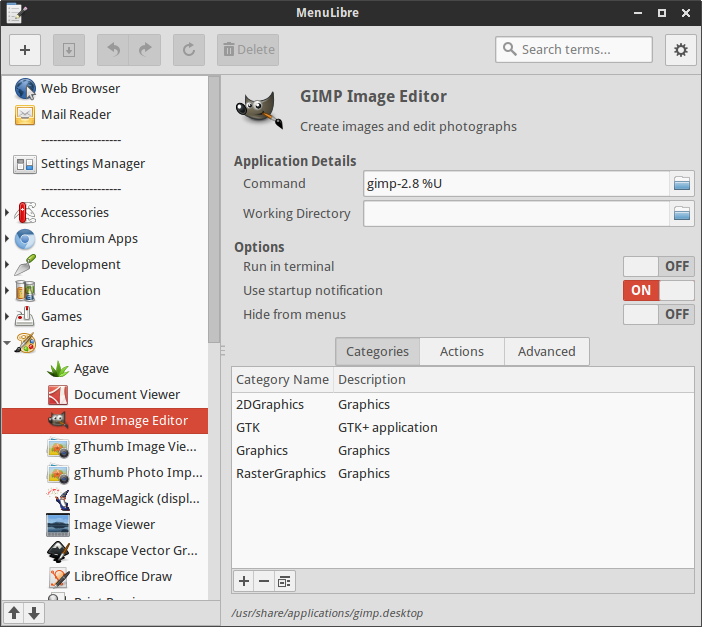
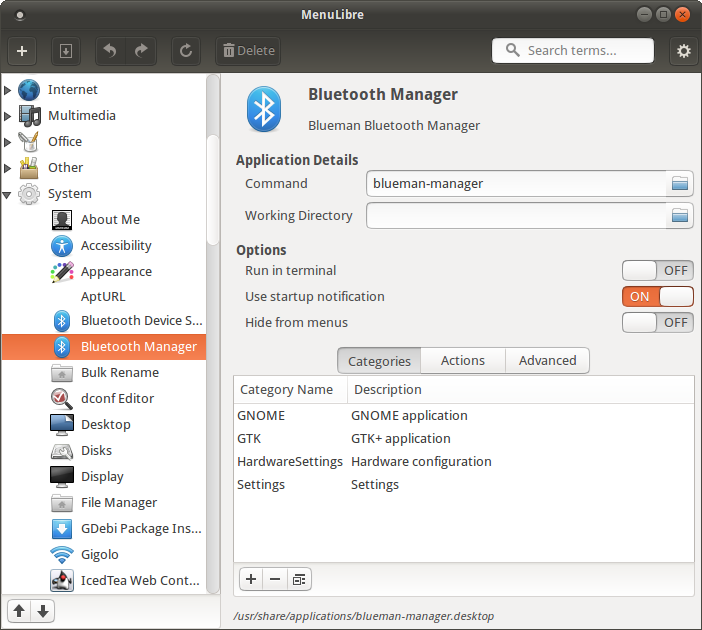
Getting MenuLibre
Ubuntu 14.04 users can install MenuLibre 2.0.3 from the repositories.
sudo apt-get update
sudo apt-get install menulibre
For everyone else, the source package is available from here. To install for a single user,
python3 setup.py install --user
To install system-wide,
sudo python3 setup.py install