Mugshot 0.2.3 Released
- Sean Davis
- Release Announcement
- April 14, 2014
Table of Contents
Mugshot 0.2.3 has been released. This release improves the stability and usability of the previously introduced features.
What’s New?
Keeping in line with the previous release announcements, the following is a summary of the latest changes.
General
- Mugshot is now a Python3-only application
- Online documentation is now used instead of Yelp
- GLib is now used to get environment and user settings
- Populate the Initials field based on first/last name fields
- Hide “Remove” when there is no profile image set
- SudoDialog (from Catfish) is now used for authentication
- Disable first and last name editing without sudo rights (chfn limitation)
- Stop processing updates if the password is incorrectly entered
- Temporary files are now cleared on exit
- The Python package is now 100% PEP8-compliant
- Packaging has been simplified
AccountsService
- Sync AccountsService user image and ~/.face file
- Scale images on save to accomodate AccountsService max size
Bug Fixes
- Add option to remove current profile picture ( LP: #1286897)
- Add AccountsService support to set profile picture ( LP: #1273896)
- mugshot fails at attempt to change avatar ( LP: #1284720)
- Fix crash with IndexError in init_user_details ( LP: #1287368)
- mugshot is unable to store profile picture ( LP: #1298665)
- Fixed typo that incorrectly hid the manual photo browser instead of stock
- Fixed crash when saving user details with a non-English locale
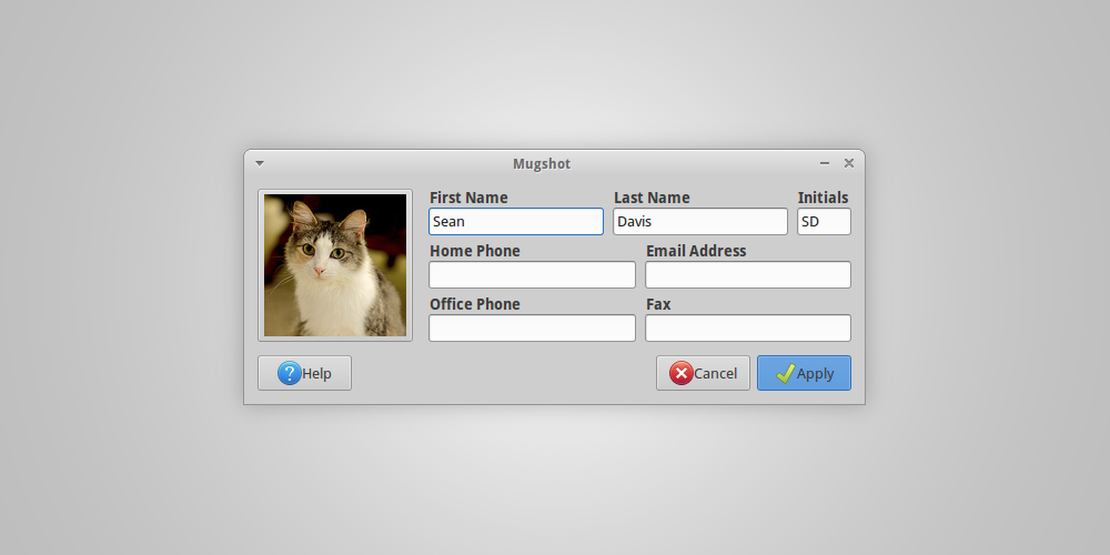
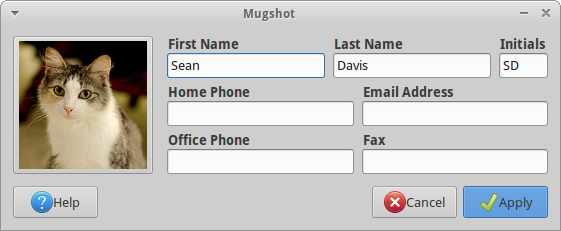
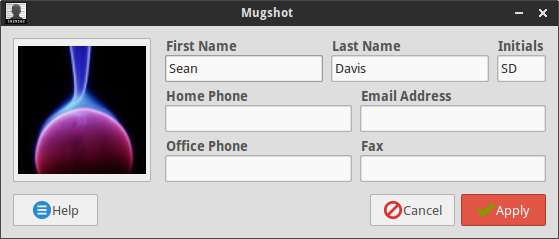
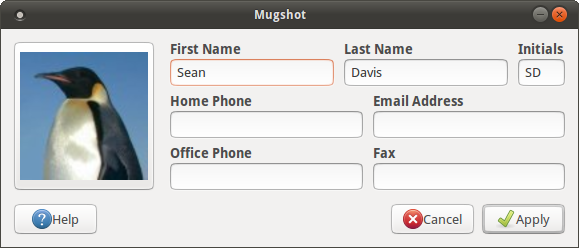
Screenshots
Getting Mugshot
Ubuntu Users
If you’re running Ubuntu 13.10, Mugshot is available from the Mugshot Stable PPA.
sudo add-apt-repository ppa:mugshot-dev/stable
sudo apt-get update
sudo apt-get install mugshot
If you’re running Ubuntu 14.04 or newer, Mugshot is available in the Ubuntu repositories.
sudo apt-get update
sudo apt-get install mugshot
Everyone Else
You can download the latest source package from the Mugshot downloads page if you’re running another Linux distribution.