Xfce Panel Switch: Introduction

Xfce Panel Switch: Introduction

Table of Contents

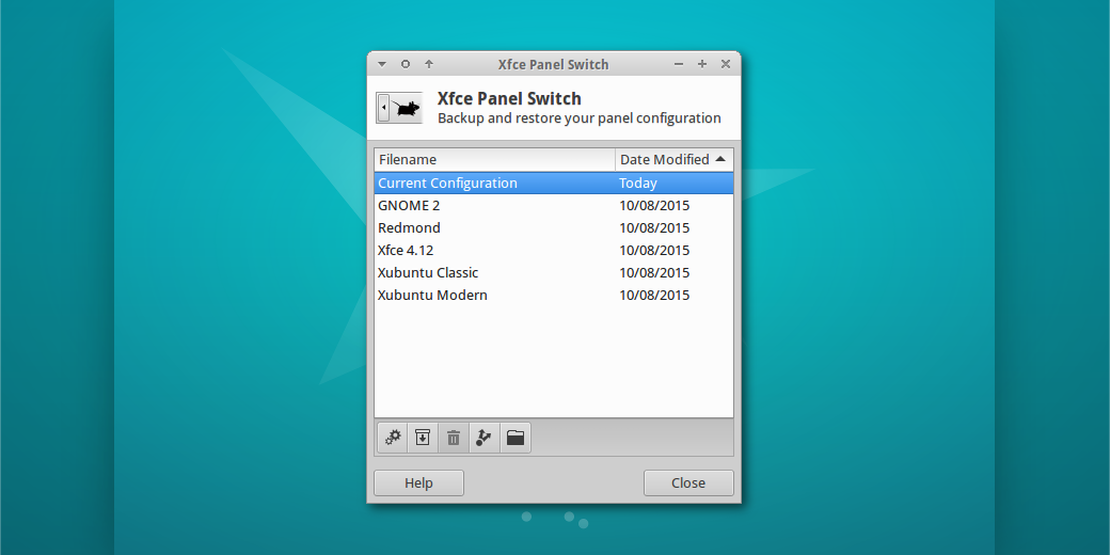
Xubuntu 15.10 “Wily Werewolf” introduces a new application for managing panel layouts in Xfce, Xfce Panel Switch. This simple utility application fills a void for appearance tweakers and distributors alike.

Features

  • Backup and restore panel configurations
  • Share panel layouts with simple exporting and importing
  • Choose from one of 5 included layouts, or install layouts system-wide in /usr/share/xfpanel-switch/layouts

Included Layouts

  • GNOME 2 (top and bottom panel configuration)
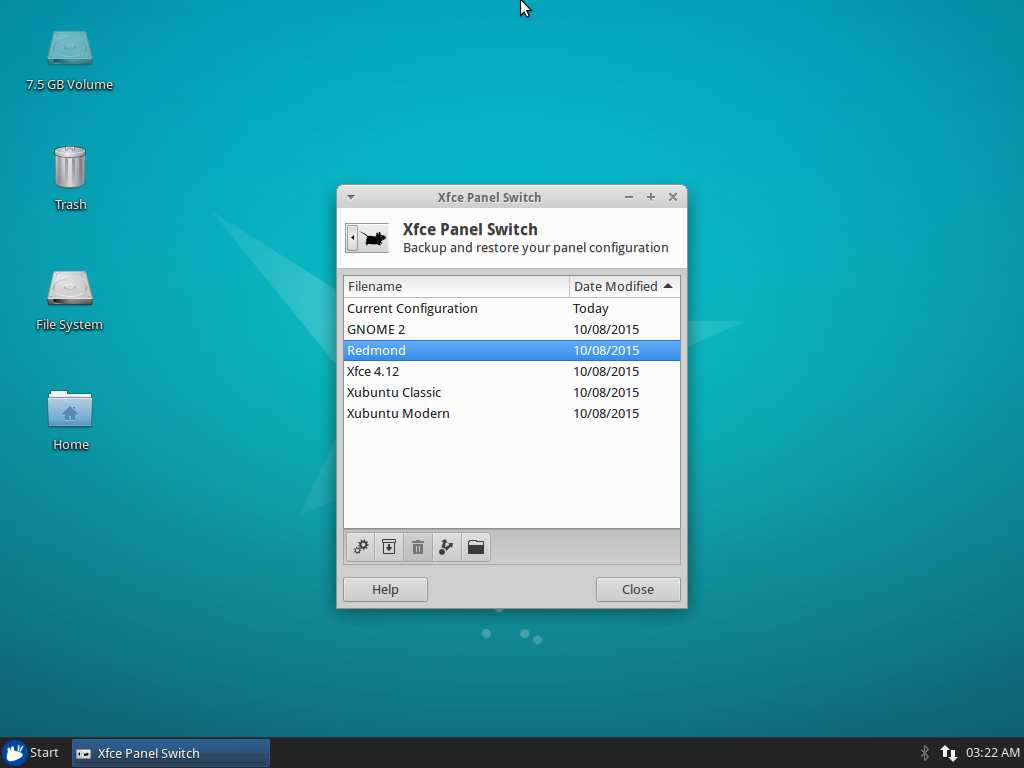
  • Redmond (single panel layout familiar to Windows users)
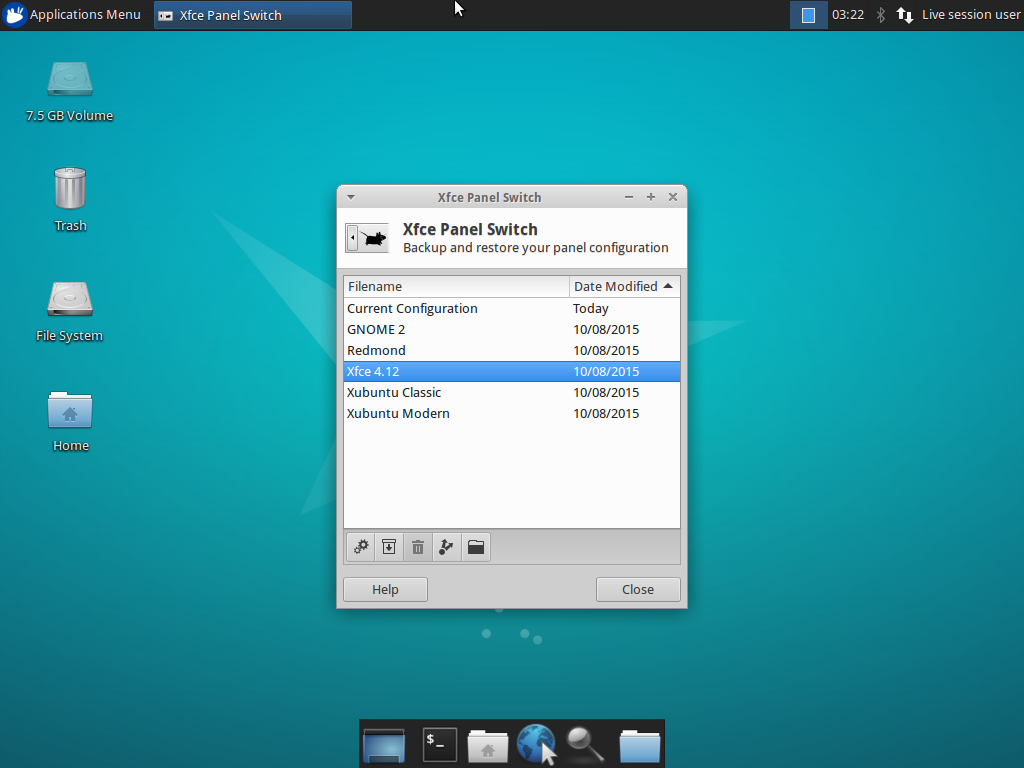
  • Xfce 4.12 (out-of-the-box default Xfce layout)
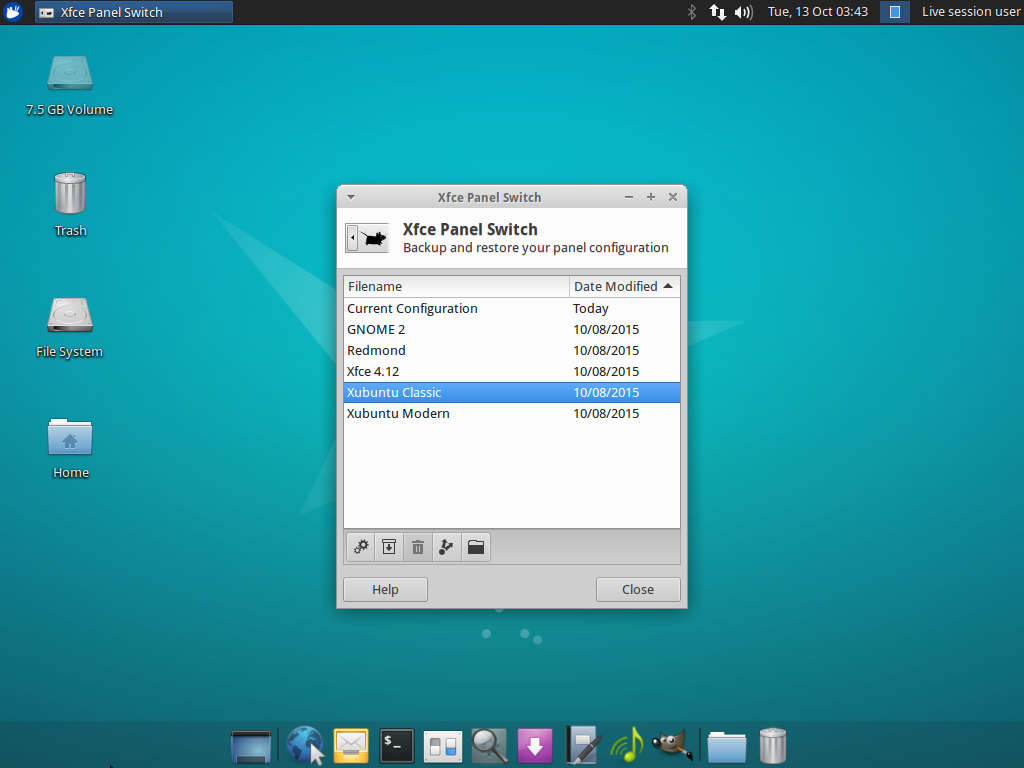
  • Xubuntu Classic (Xubuntu 12.04 era)
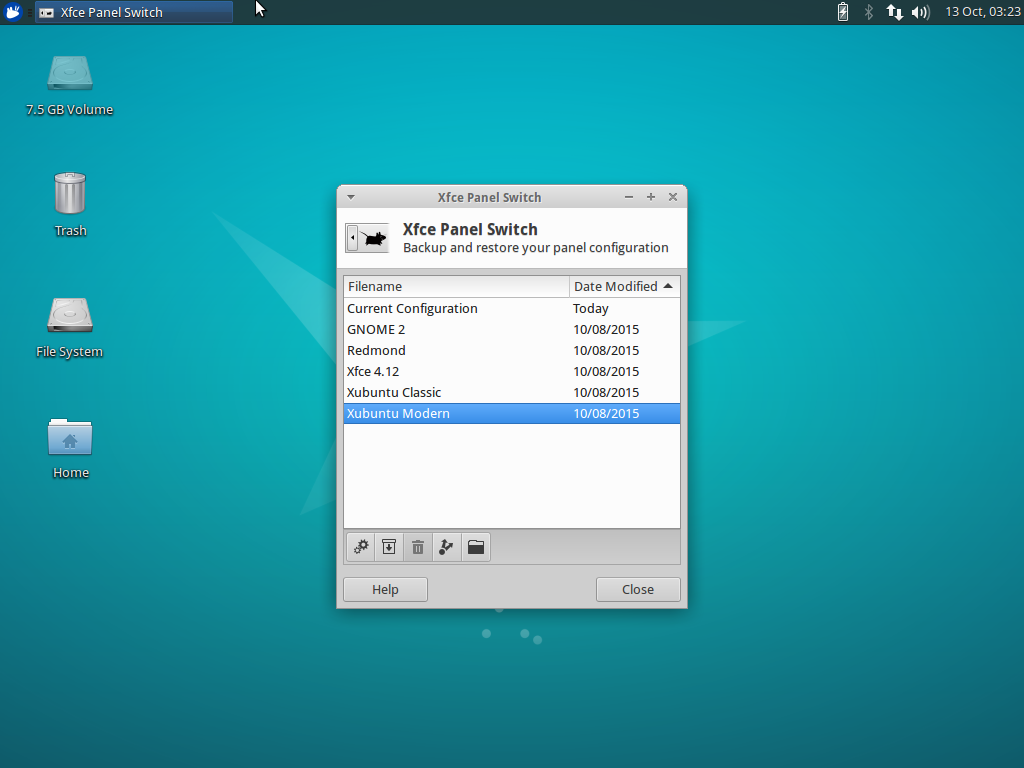
  • Xubuntu Modern (Xubuntu 14.04 and newer)

Screenshots
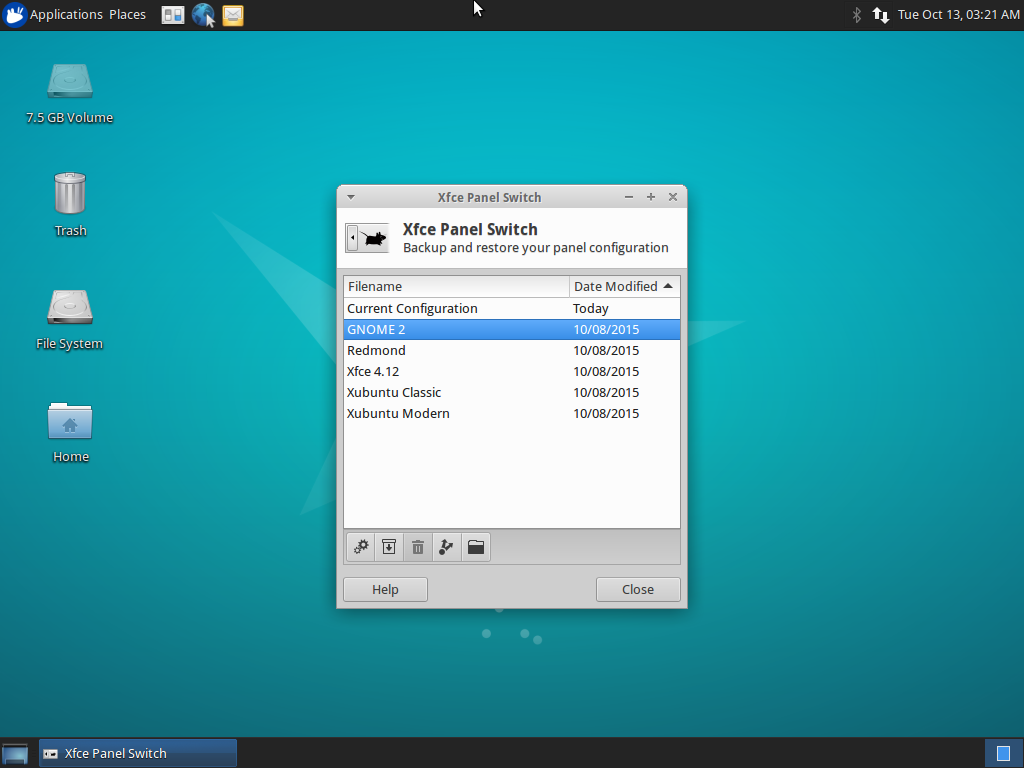
GNOME 2 layout in Xfce Panel Switch
Redmond layout in Xfce Panel Switch
Xfce layout in Xfce Panel Switch
Xubuntu 12.04 layout in Xfce Panel Switch
Xubuntu 14.04 layout in Xfce Panel Switch

Downloads

The latest version of Xfce Panel Switch can be downloaded from Launchpad. Ubuntu 15.10 “Wily Werewolf” users can install Xfce Panel Switch 1.0.3 from the repositories:

sudo apt-get update
sudo apt-get install xfpanel-switch

comments powered by Disqus

Related Posts

Xfce Screensaver 0.1.7 Released

Xfce Screensaver 0.1.7 Released

Xfce Screensaver 0.1.7 has been released! This release drops legacy code while adding a long-requested feature: per-screensaver configuration!

Read More
MenuLibre 2.1.4 Released

MenuLibre 2.1.4 Released

MenuLibre 2.1.4 is now available with new test and sorting buttons, a new parsing errors tool, and appearance preferences for CSD/SSD users.

Read More
Officially an Ubuntu Member

Officially an Ubuntu Member

After three months, my certificate of Ubuntu membership finally arrived in the mail. Looks like I'm official now!

Read More