My Xubuntu Customization Guide
- Sean Davis
- How To
- May 5, 2017
Table of Contents
Show Your Desktop Friday was popular in open source groups, but its popularity has declined recently. Let’s fix that. Here’s how I customize Xubuntu to my liking.

Configuration
Desktop
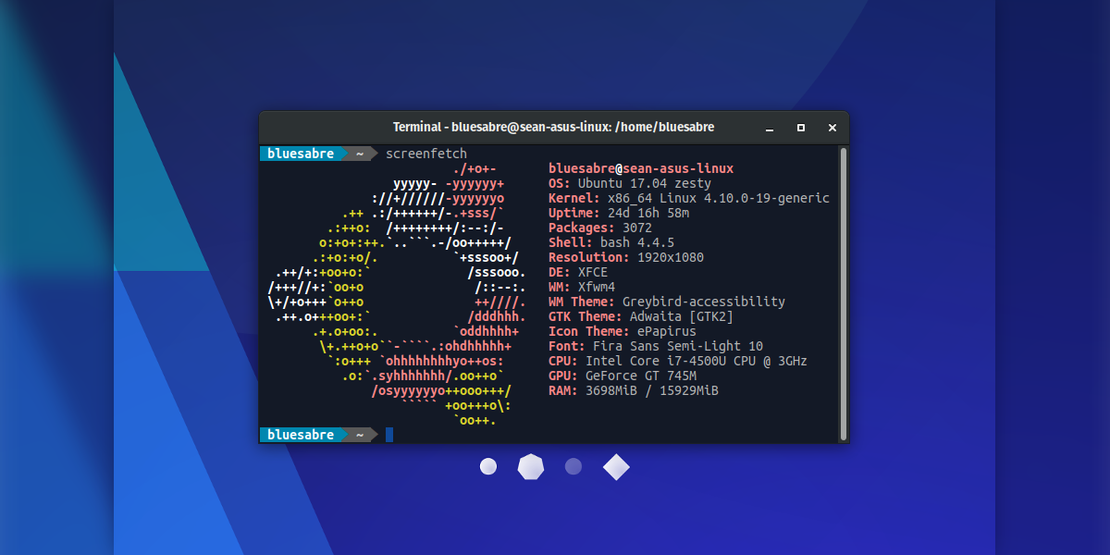
- Distribution: Xubuntu 17.04
- Desktop Environment: Xfce
- Window Manager: Xfwm4
- Dock: Plank
Themes
- GTK: Adwaita (included with GTK+ 3)
- Window Manager: Greybird-accessibility ( GitHub, Launchpad)
- Icons: ePapirus ( GitHub, PPA)
- Cursors: Breeze Snow ( Git, Launchpad)
- Plank: Greybird ( GitHub)
Fonts
- Default: Fira Sans Book 10 ( GitHub, PPA)
- Window Manager: Fira Sans SemiBold 10
- Monospace: Ubuntu Mono ( Launchpad)
Wallpaper
Convict Lake. Autumn View (CC BY-NC-SA 2.0, Clint Sharp)
Panel Plugins
- Whisker Menu ( Homepage)
- AppMenu Plugin (See WebUpd8 for details and PPA)
- Notification Area
- Power Manager Plugin
- Indicator Plugin
- Clock
- Weather Update
- System Load Monitor
- Show Desktop
Installation
# Papirus Icon Theme PPA
sudo add-apt-repository ppa:papirus/papirus

# Fira Fonts PPA
sudo add-apt-repository ppa:bluesabre/fonts

# WebUpd8 MATE PPA (Contains AppMenu plugin)
sudo add-apt-repository ppa:webupd8team/mate

# Update Your Repositories...
sudo apt update

# ... And Install!
sudo apt install breeze-cursor-theme greybird-gtk-theme papirus-icon-theme fonts-fira-sans xfce4-vala-appmenu-plugin unity-gtk3-module unity-gtk2-module appmenu-qt appmenu-qt5

# Enable the AppMenu plugin
xfconf-query -c xsettings -p /Gtk/ShellShowsMenubar -n -t bool -s true
xfconf-query -c xsettings -p /Gtk/ShellShowsAppmenu -n -t bool -s true

# Restart, configure your panel, and tweak your settings in the settings manager
Tips & Tricks
- Adwaita uses a white panel by default in Xfce. Use gtk-theme-config to make the panel dark again
- With GTK+ 3, you can force applications to load with a dark theme by setting the GTK_THEME environment variable, for example:
GTK_THEME=Adwaita:dark - You can take this one step further and use the CSD titlebars by setting the GTK_CSD environment variable, for example:
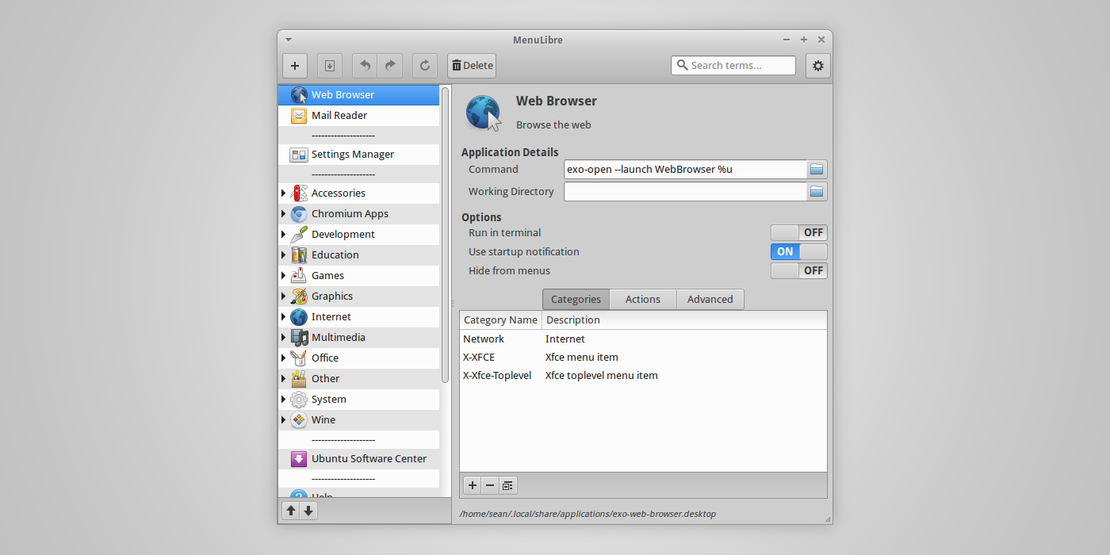
GTK_CSD=1 - If you want to use these variables in a launcher, fire up MenuLibre and prepend
env GTK_CSD=1 GTK_THEME=Adwaita:darkto the executable line
Additional Screenshots