Xfce Screensaver 0.1.4 Released
- Sean Davis
- Release Announcement
- March 22, 2019
Table of Contents
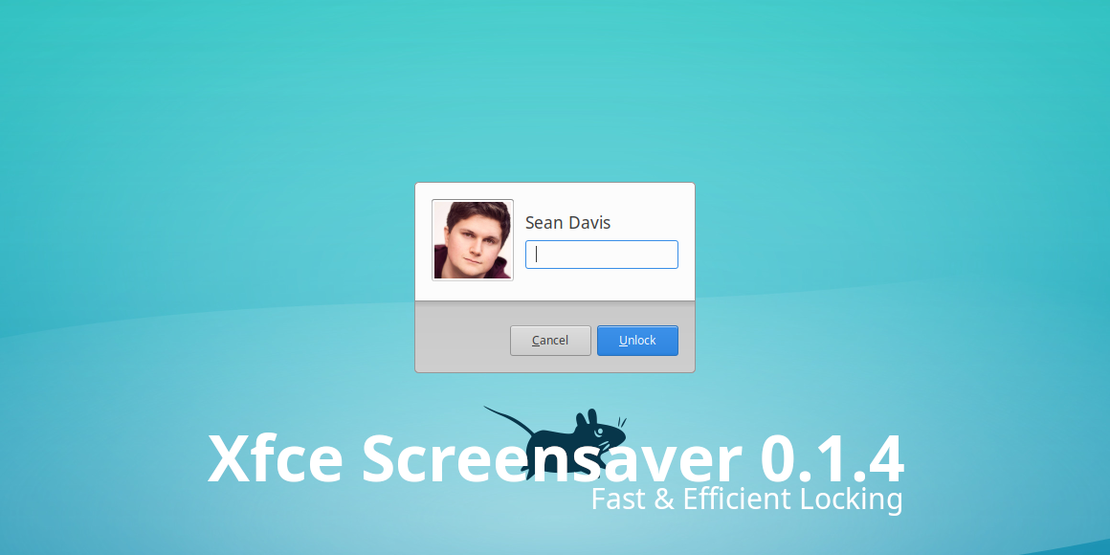
With numerous performance improvements and an improved low-power resource footprint, Xfce Screensaver 0.1.4 continues improving screen locking on Xfce.
What’s New?
Features
- We have added support for screen locking when the system goes to sleep (Xfce #15001) via a shared preference with Xfce Power Manager. To accommodate this, a new configuration option, “Lock Screen with System Sleep,” was added to the Screensaver Preferences dialog.
Bug Fixes
- Fixed password entry after forcefully grabbing input focus (Xfce #15042)
General
- Faster screen locking when activated
- Faster rendering of the authentication prompt
- Improved handling of monitor (dis-)connection events
- Improved screensaver and locking activation when idle
- Improved laptop lid support: The lock screen is now displayed immediately when the laptop lid is open instead of requiring a wake event from the keyboard or mouse
- Improved low-power state: Screensavers are now suspended when monitors are powered off via DPMS (Debian #921835)
Translation Updates
Basque, Belarusian, Catalan, Czech, Danish, Galician, Lithuanian, Malay, Portuguese, Russian, Serbian, Spanish, Swedish
Downloads
This is the second beta release of Xfce Screensaver. If you’re feeling adventurous, check it out and report bugs so we can continue building an awesome screen-locking tool for Xfce. Download Xfce Screensaver 0.1.4 at the link below.
Source tarball ( md5, sha1, sha256)