Darkbar 1.0.1 Released
- Sean Davis
- Release Announcement
- June 22, 2022
Table of Contents
Darkbar 1.0.1 improves support for Flatpak installations and extends support to GNOME and other desktop environments supporting the FreeDesktop.org dark style preference. And for the first time, Darkbar is available on Flathub!
What is Darkbar?
Darkbar is a tool for pixel perfectionists and dark mode users. It lets you control whether an application uses dark or light styles for the window controls. It supports X11 and XWayland windows using traditional title bars (e.g., no client-side decorations), as you might find with GIMP or Electron-based applications.
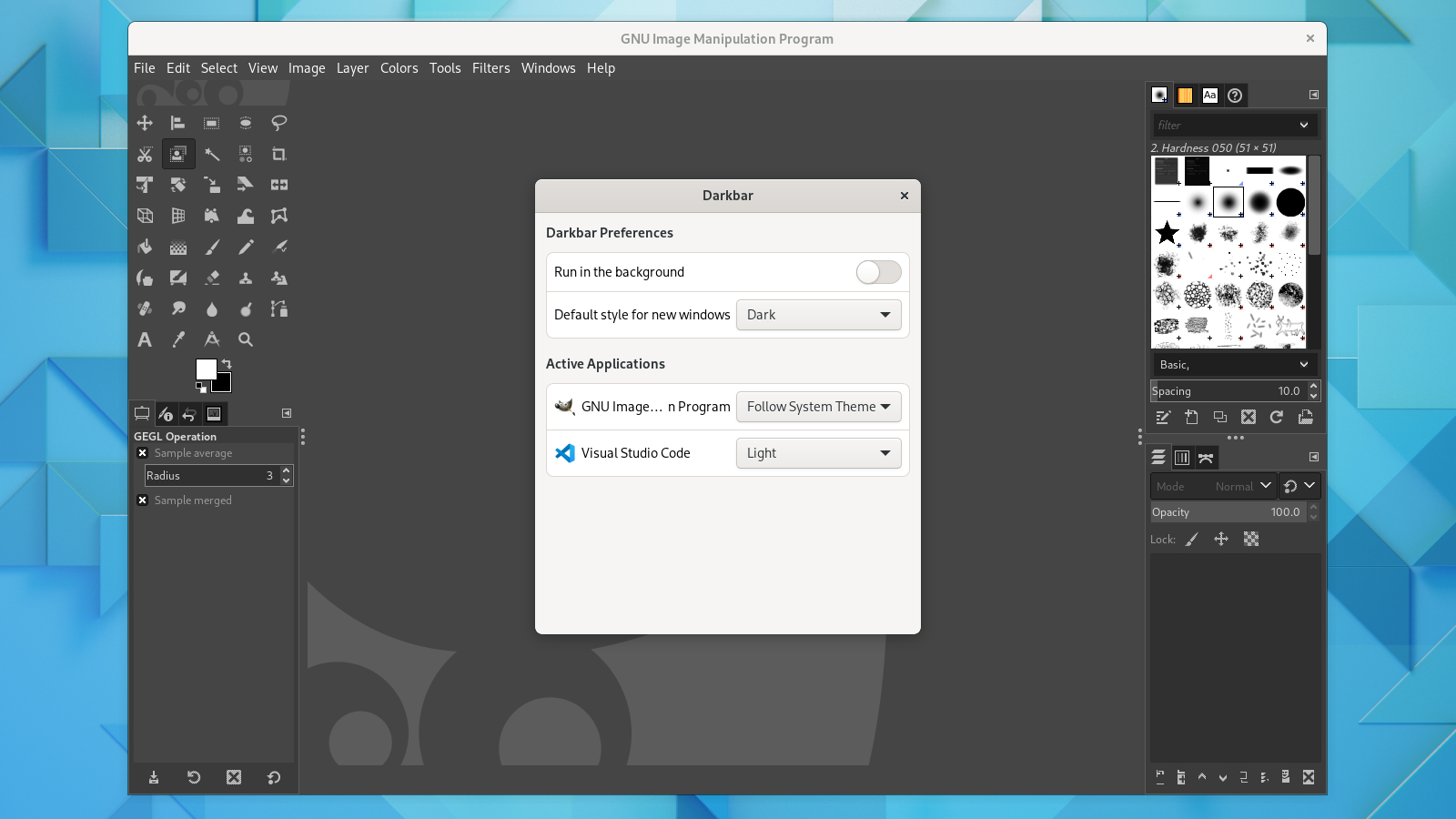
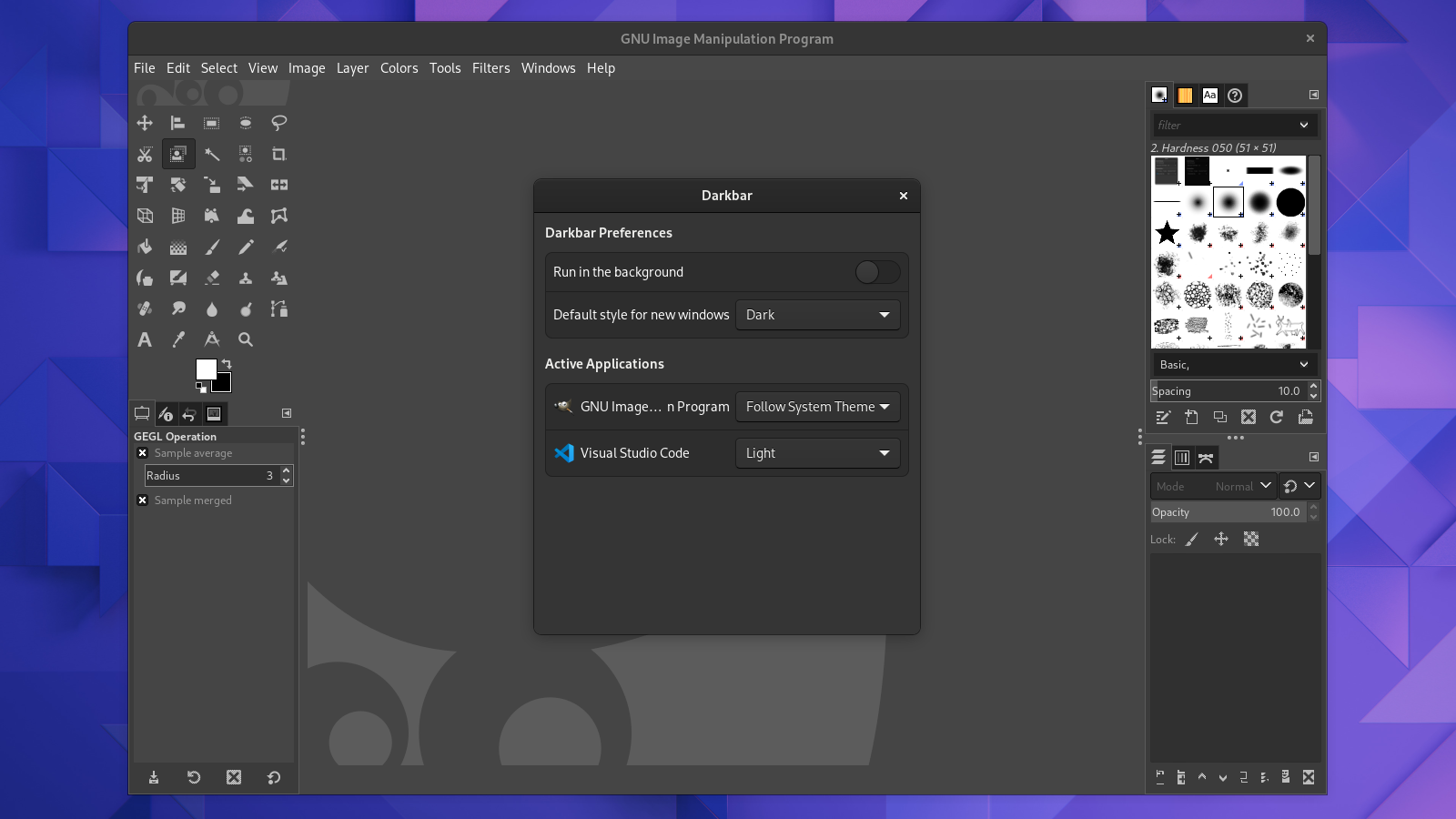
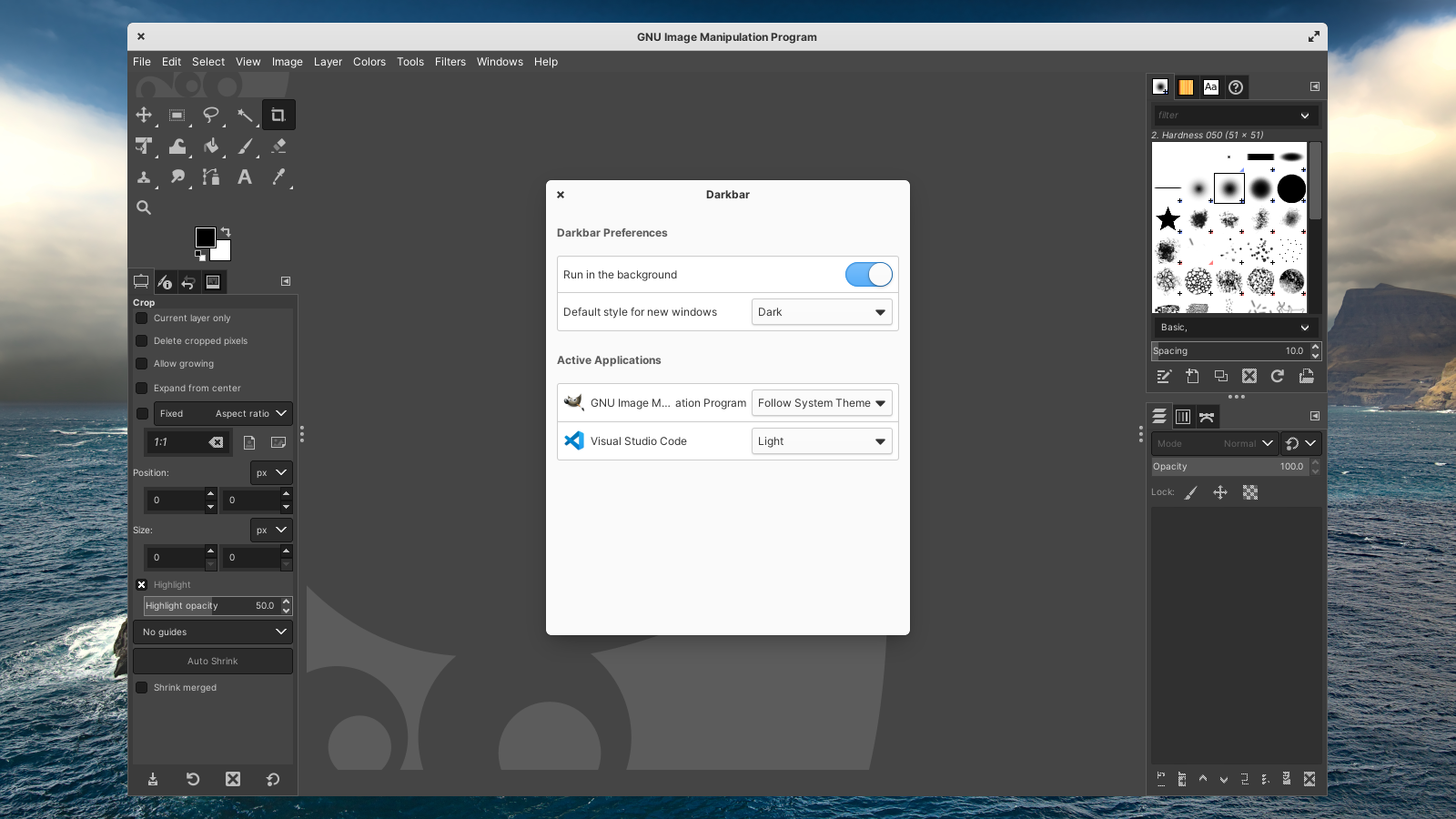
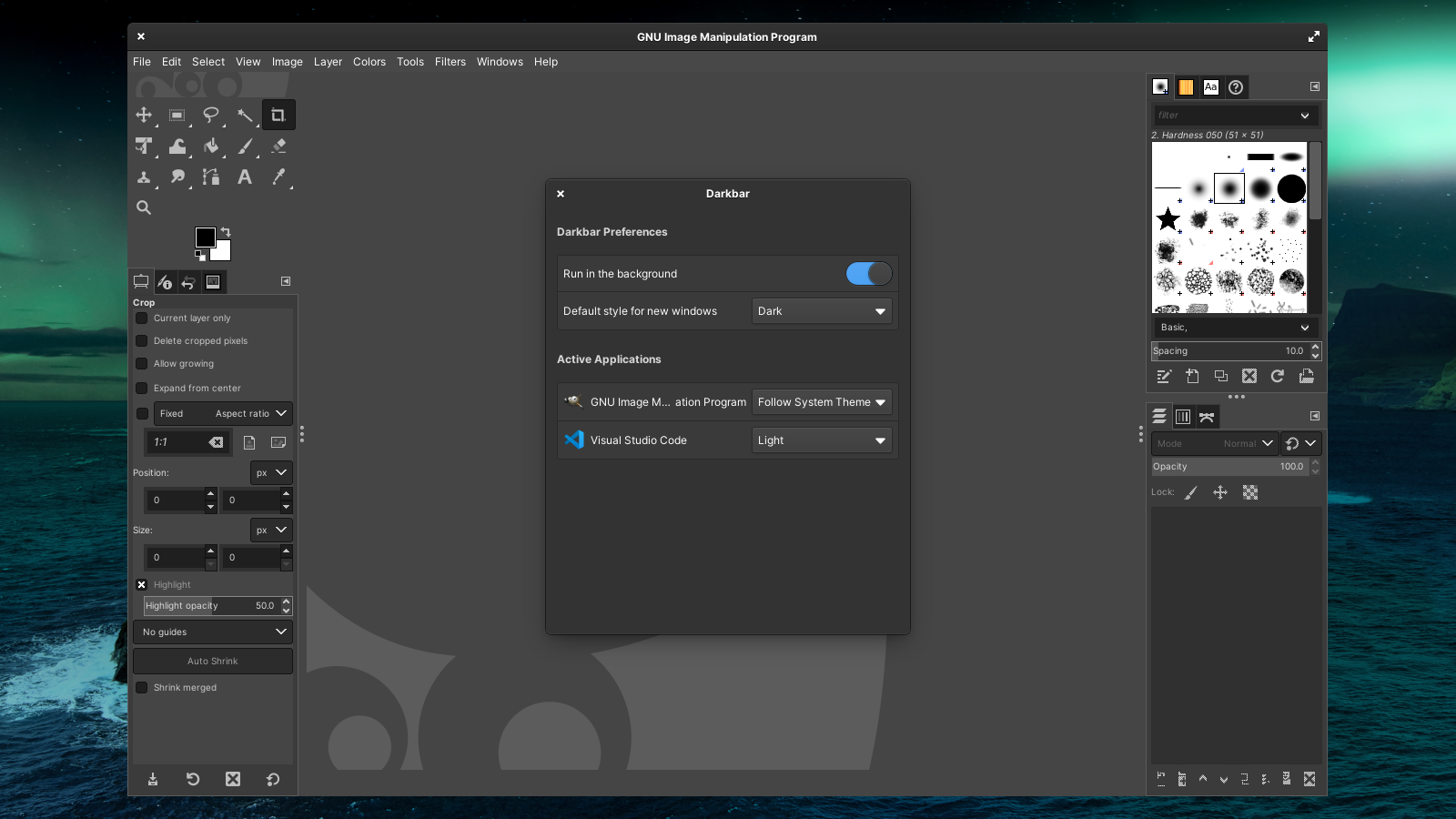
Ignored Applications
Windows that Darkbar cannot control.
- Chrome/Edge PWA and web app windows (always drawn by the app)
- elementary OS apps (always uses CSD)
- Zoom join windows (
join?, always unique)
Desktop Environment Support
To use Darkbar, your desktop environment’s window manager needs to support dark-style variants. Darkbar has been tested and proven to work with Gala (as found in the Pantheon desktop environment on elementary OS) and Mutter (GNOME’s window manager). It does not work with Xfwm, the Xfce window manager, now.
What’s New?
Darkbar 1.0.1 includes several updates to make it work better in any modern desktop environment.
New Features
- Support for the FreeDesktop.org dark style preference
- Support for user-defined window controls (minimize, maximize, close) layout ( #6)
- Support for running under Wayland (only for Xwayland windows) ( #12)
- Added default style preference for newly identified windows ( #3)
Bug Fixes
- Ignore windows that cannot be identified or lack an XID
- Reload the window list if invalid windows are encountered
Flatpak Support
- Improved app identification and icon support ( #8)
- Switch to using sandboxed
xprop, no more spawning apps outside of the sandbox - X11 is now enforced, guaranteeing Xwayland windows can be correctly detected
- Reduced requested permissions
Updated Translations
Chinese, Chinese (China), Dutch, French, Italian, Italian, Japanese, Lithuanian, Malay, Malay (Arabic), Polish, Polish, Portuguese, Portuguese (Brazil), Portuguese (Portugal), Russian, Spanish, Swedish, Turkish
How to Get Darkbar
Darkbar is packaged as a Flatpak on the elementary OS AppCenter and Flathub. If you are averse to Flatpaks (I’m sure you have your reasons), you can also find the building and installation instructions on GitHub.


I hope you enjoy using Darkbar and that it helps make your desktop experience more consistent. If you do, consider sending me a tip on AppCenter or GitHub Sponsors!